USB Data Protection Tool for Windows Network Screenshots
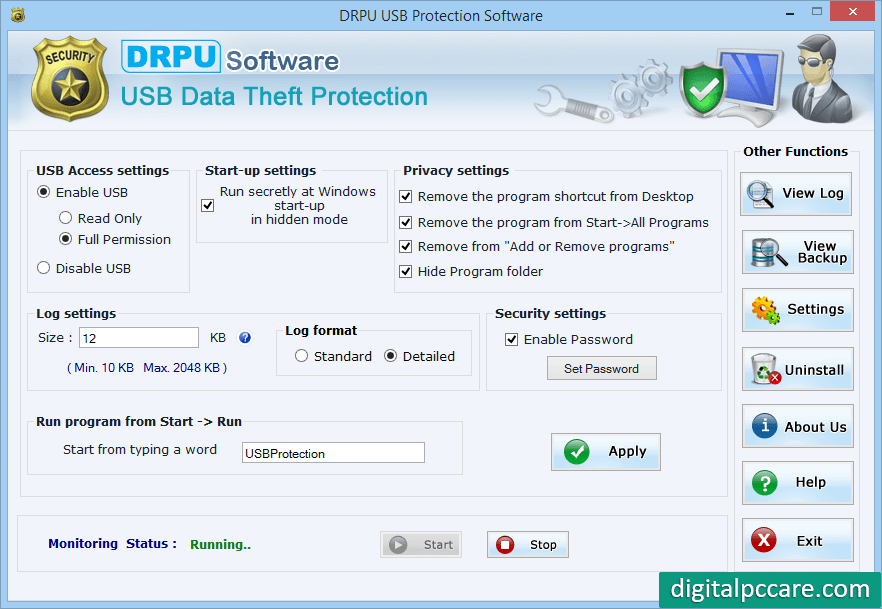
➤ Enable USB /Run program from Start Check this option, if you want to allow access of USB (Read Only or with full permission as per choice). You can start your software by typing a word in the run command.
➤ USB Access setting – This option allows you to enable and disable USB access port.
➤ Start-up settings – Select check box, if you want to run the software secretly at windows startup in hidden mode.
➤ Privacy settings – Select check box, if you need to hide the program from desktop, start -> all program, “Add and remove program” and hide program folder.
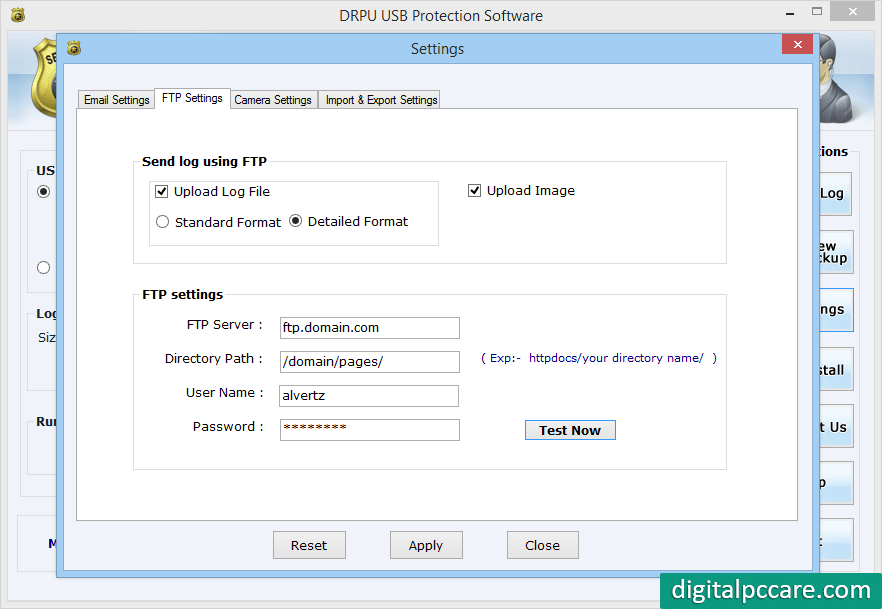
You can Upload log files and captured image by camera using FTP settings.
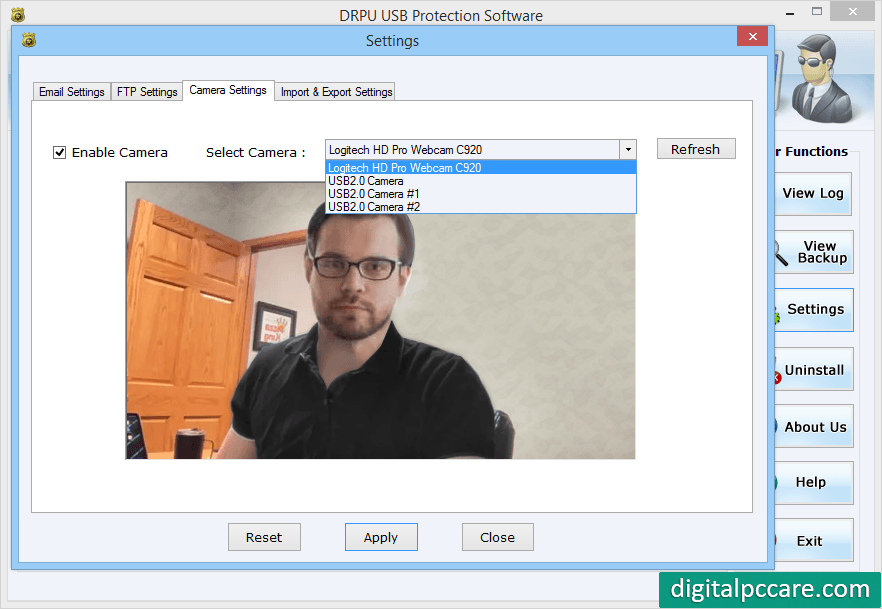
Select camera to capture image from dropdown menu which is connected with your computer.
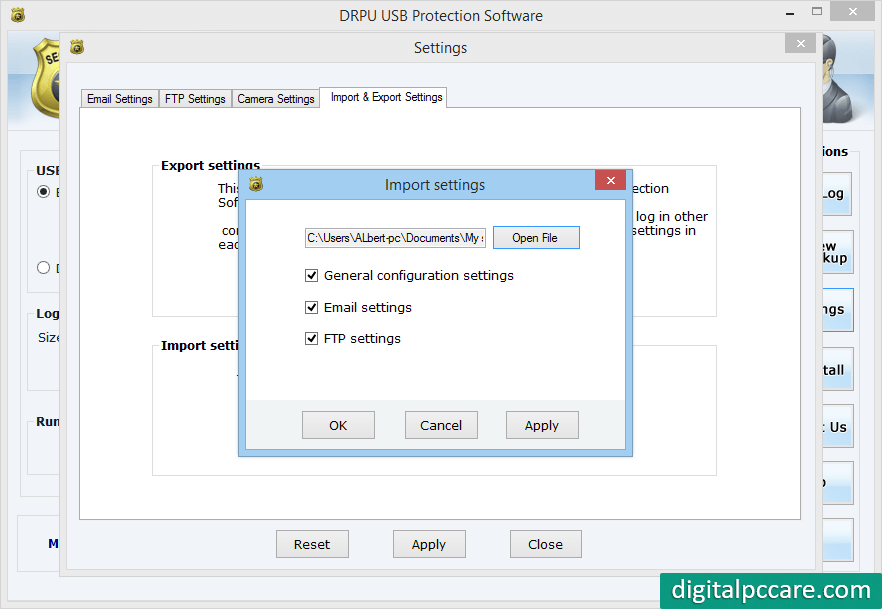
You can Select Import and Export Settings and select path file.
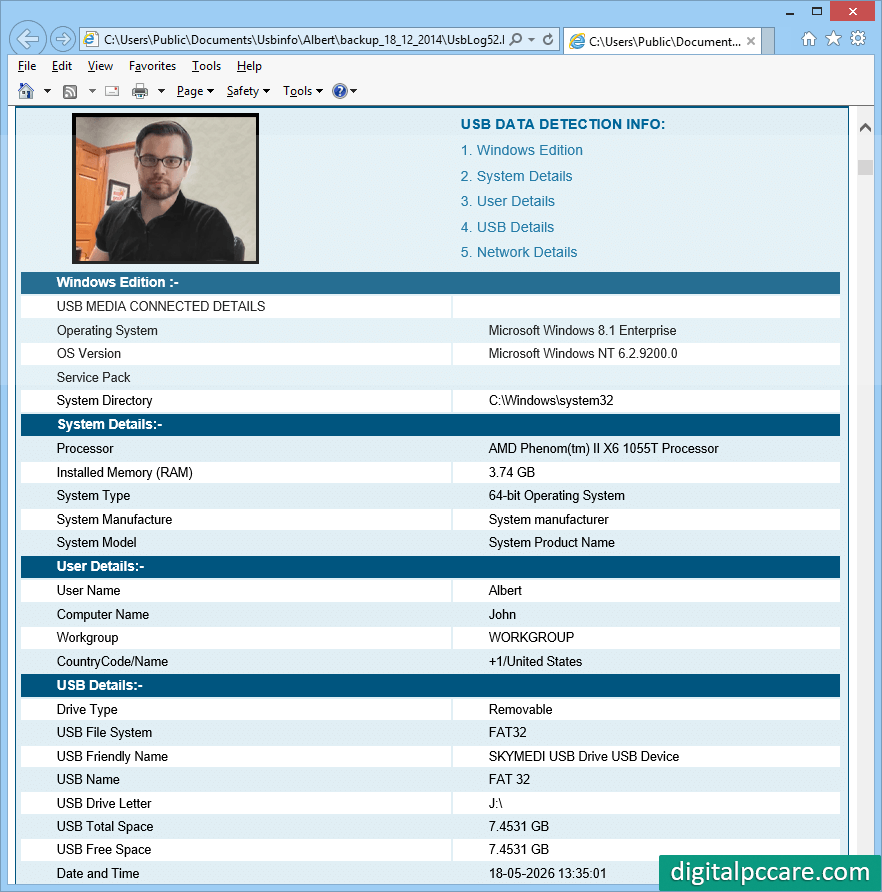
Above screenshot shows log file information in HTML file format.


