Mac Monitoring Software Screenshots
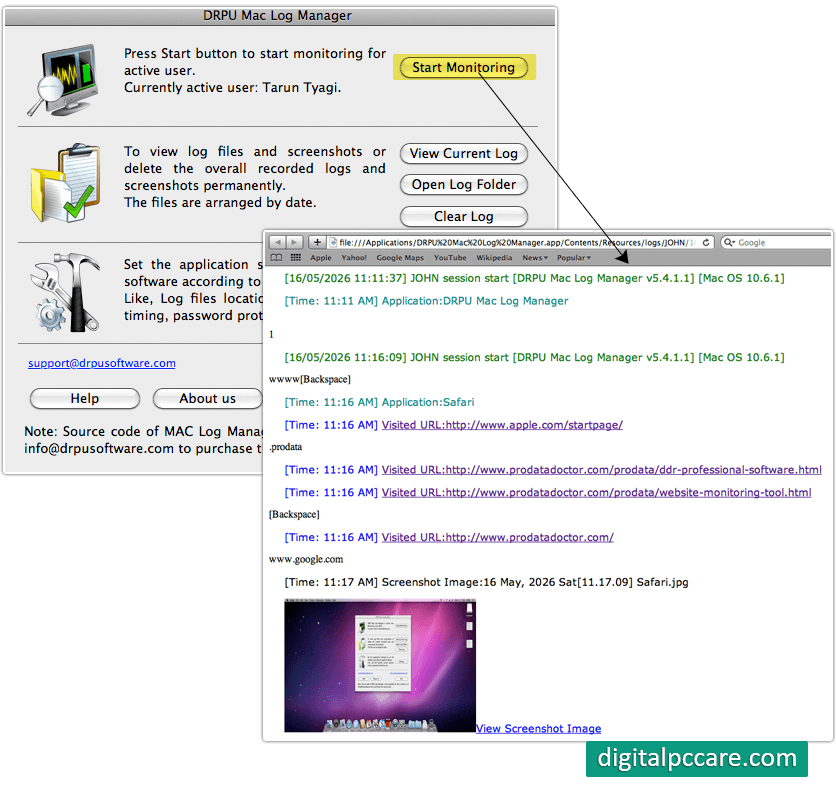
Start monitoring your MAC OS installed machine.
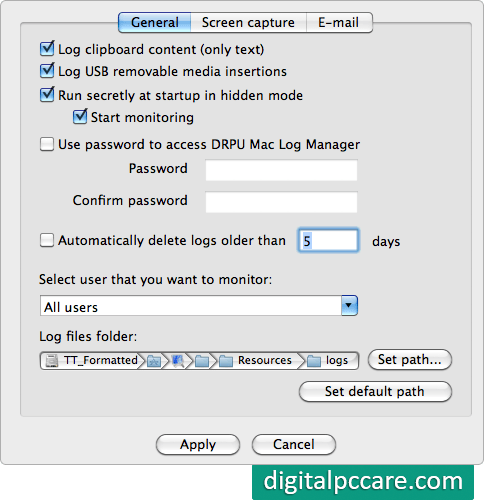
Select General option to select options that you want to monitor and choose path where you want to save log details.
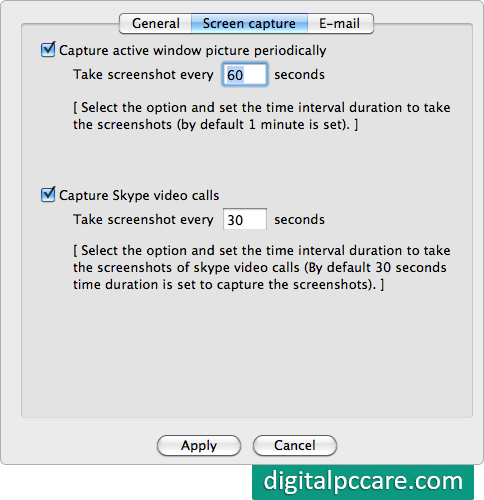
In screen capture option, set the time interval duration to capture screenshots.
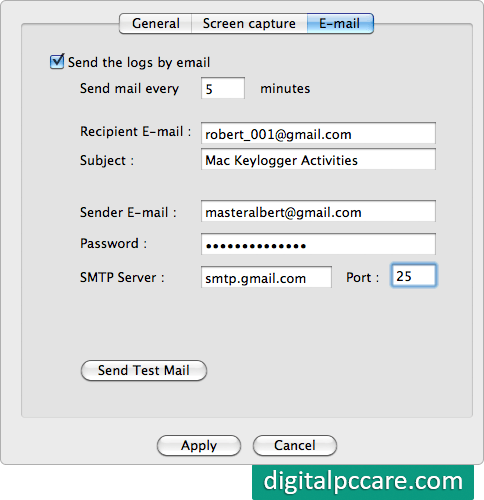
In E-mail tab, you can specify your email id and time interval to get log details of your system.


